
Getting started · 3 of 8
Put numbers on your impact
“Led a project” is forgettable. “Cut onboarding time 40%” is not. The Metric Coach helps you attach honest figures to your work.
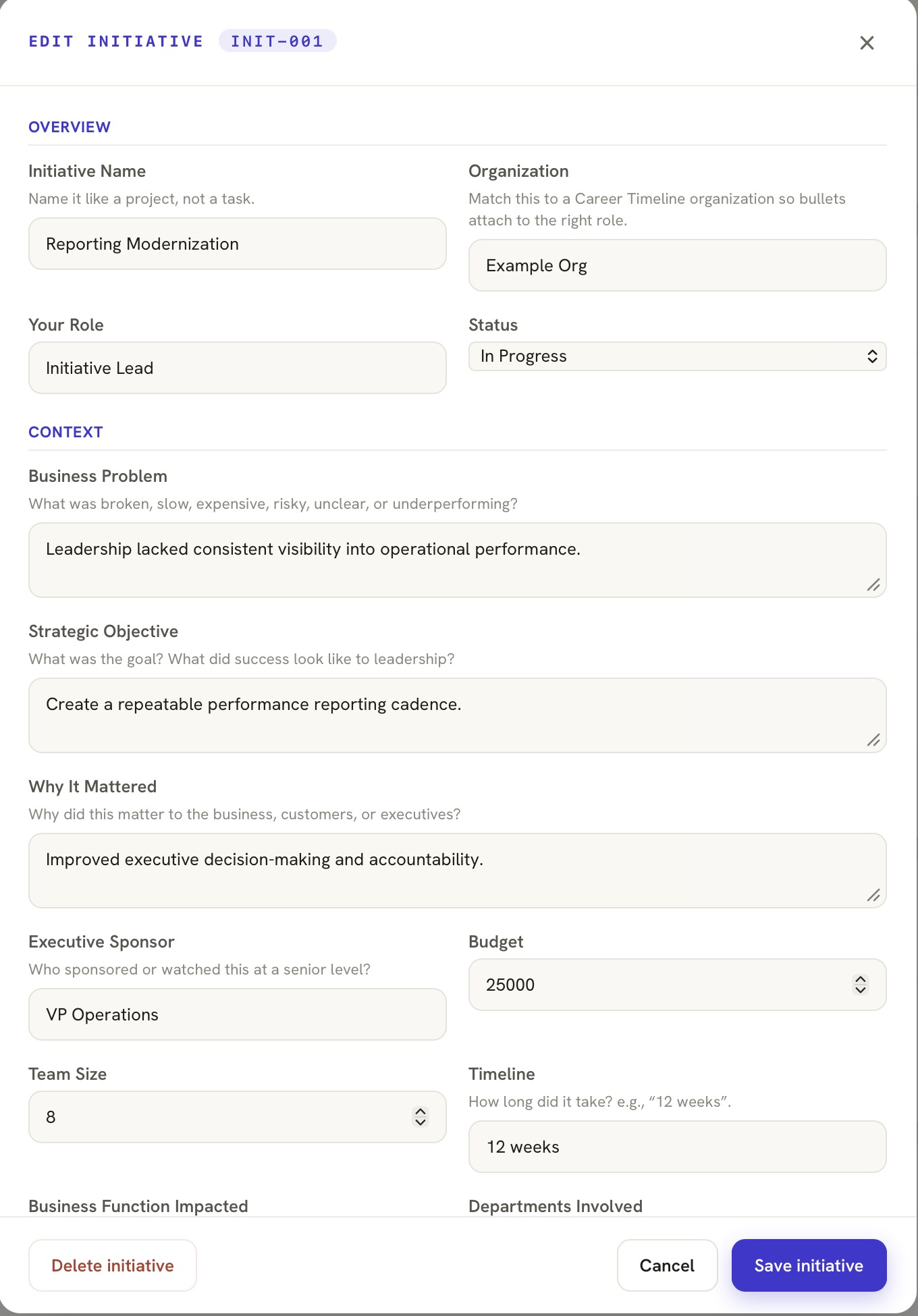 📷 Metric Coach — quantifying a result
(screenshot from demo data)
- Open an initiative and find the Metrics section.
- Add a metric — think cost saved, revenue influenced, time recovered, risk reduced, or people affected.
- Unsure how to quantify it? Use the Metric Coach prompt — it helps you find a defensible number.
- Keep it honest. Evidence you can defend beats a big number you can't.
💡 No exact figure? A credible range or a percentage is fine — precision matters less than being able to back it up.