
Getting started · 1 of 8
Add your first role
Your Digital Twin is built from where you've worked. Adding a role takes about a minute, and it's the foundation every résumé, score, and story draws from.
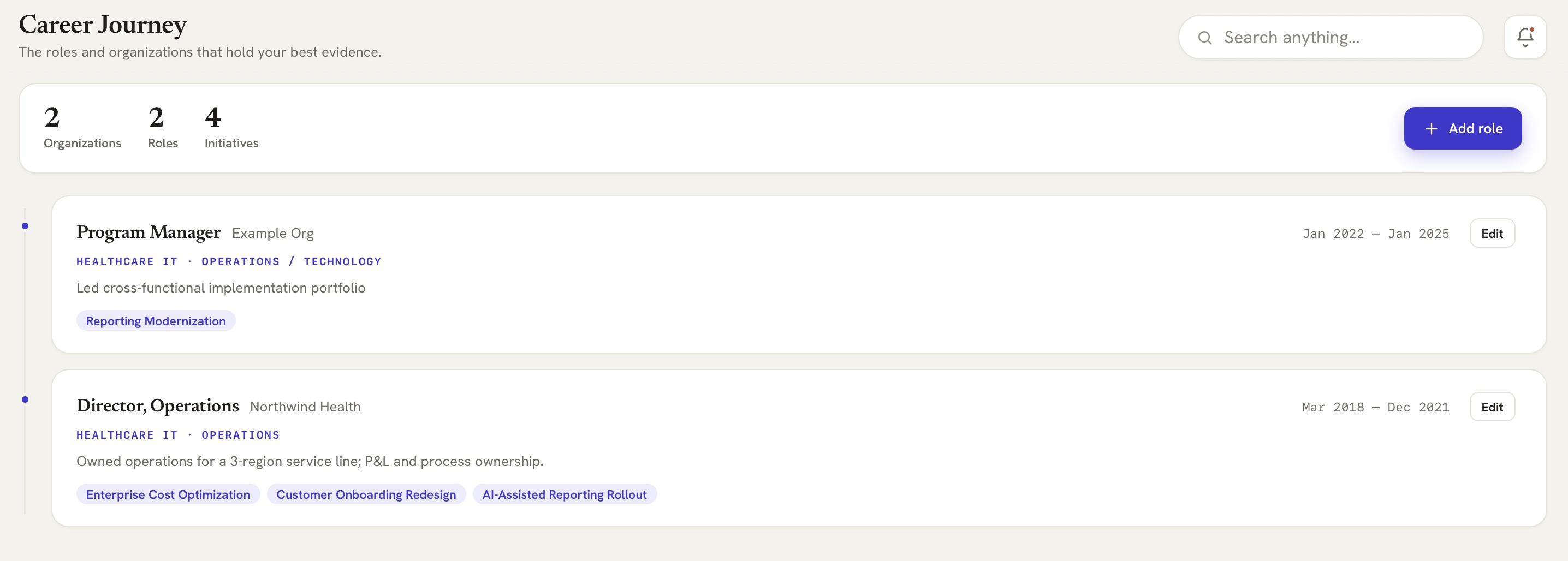 📷 Career Journey — adding a role
(screenshot from demo data)
- Open Career Journey from the sidebar and click Add role.
- Enter the title, organization, and dates. Don't worry about polish — this is your private record, not a résumé yet.
- Add a line or two about what the role was responsible for. You'll attach specific wins next.
- Save. Your role now anchors everything you build from here.
💡 You don't need your whole history on day one. Start with your current or most recent role — you can add more anytime.